
Guides
Step-by-step guides
Common PDF jobs, done in Pagewright, with screenshots taken from the app.
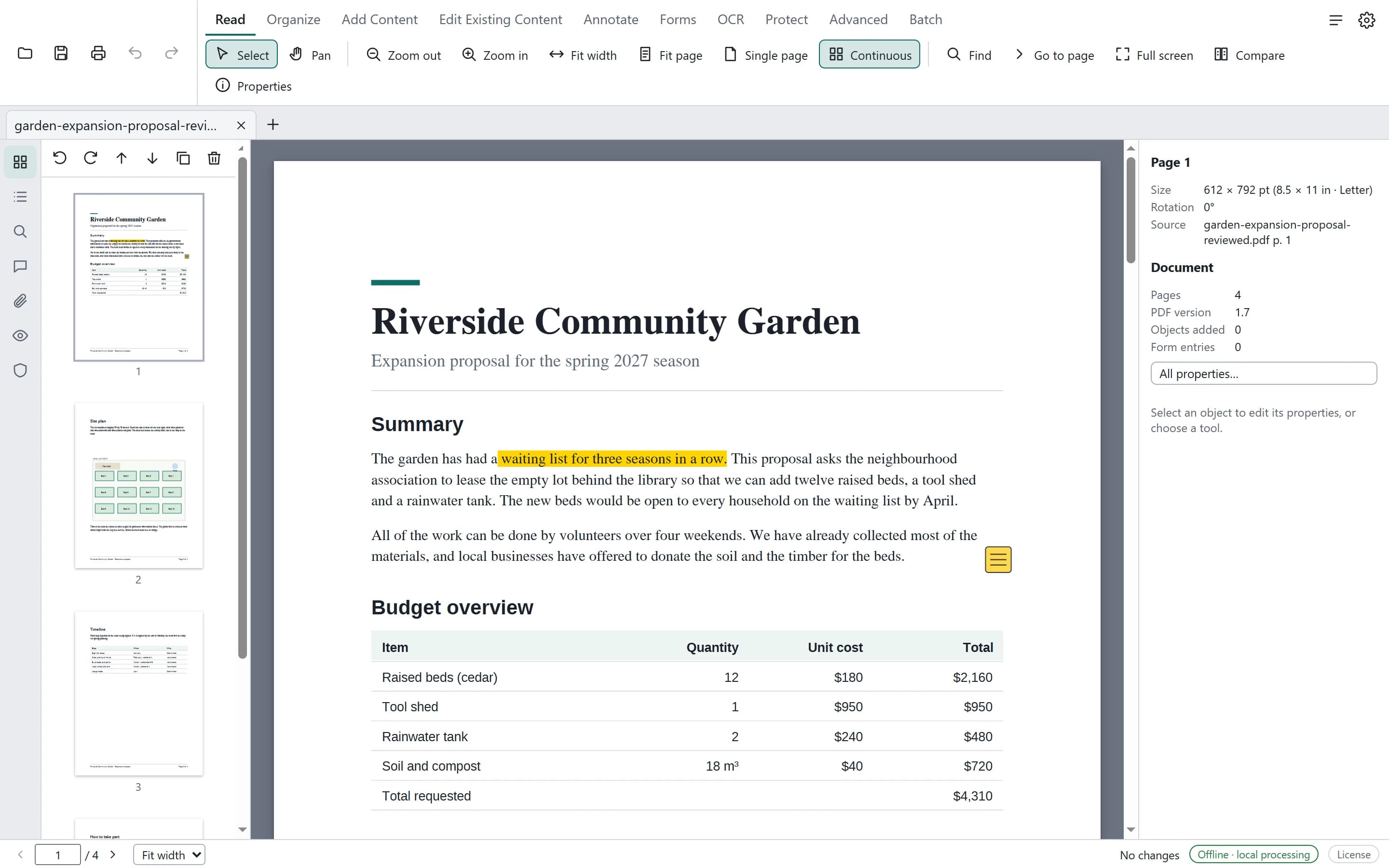
How to edit text in a PDF on Windows
A step-by-step guide to changing existing text in a PDF with Pagewright on Windows — editing whole paragraphs or single lines, keeping fonts, and saving a safe copy.
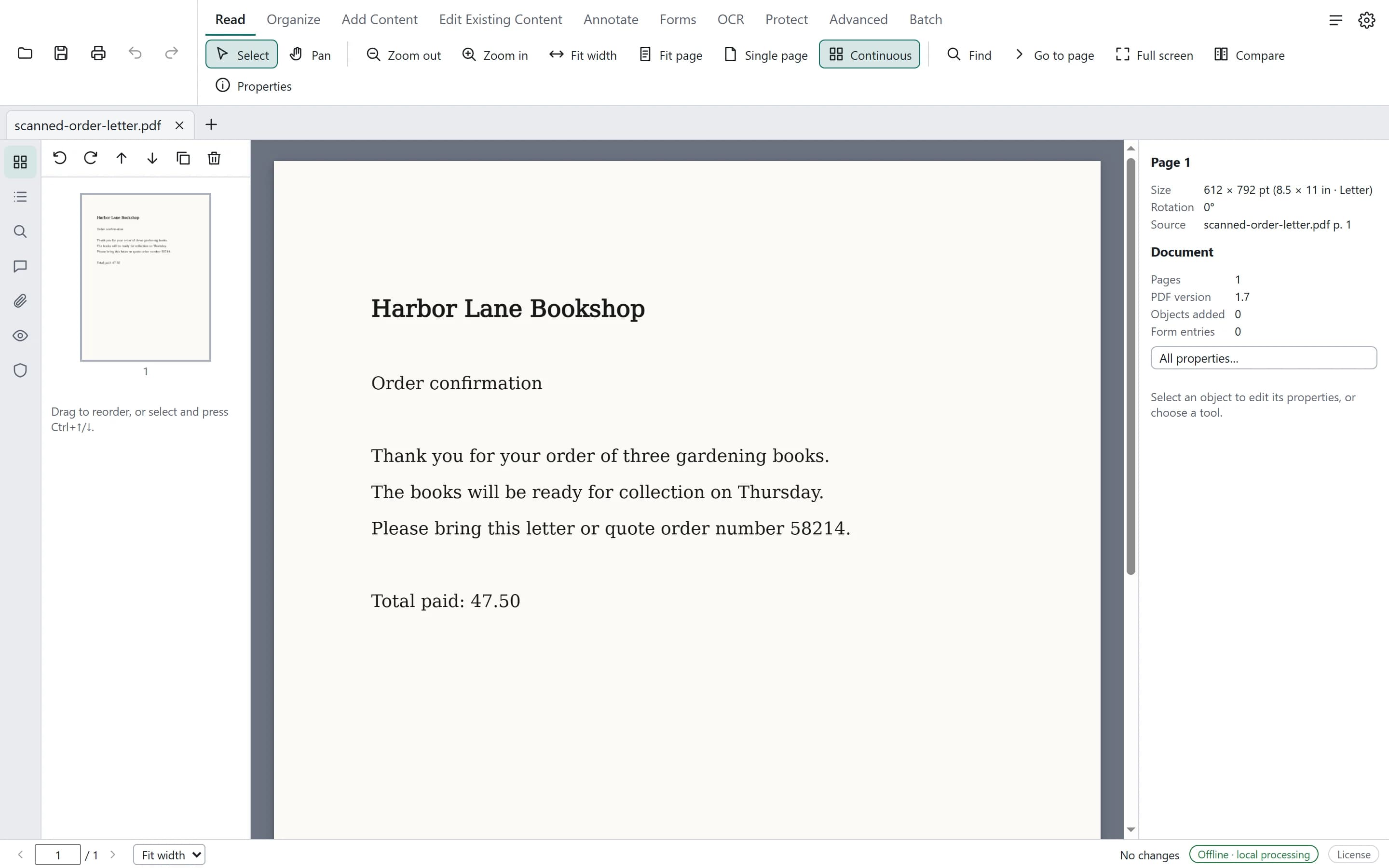
How to make a scanned PDF searchable
Run OCR on a scanned PDF in Pagewright on Windows, check uncertain words, save a searchable copy and find text that only exists in the scan — without uploading the file.
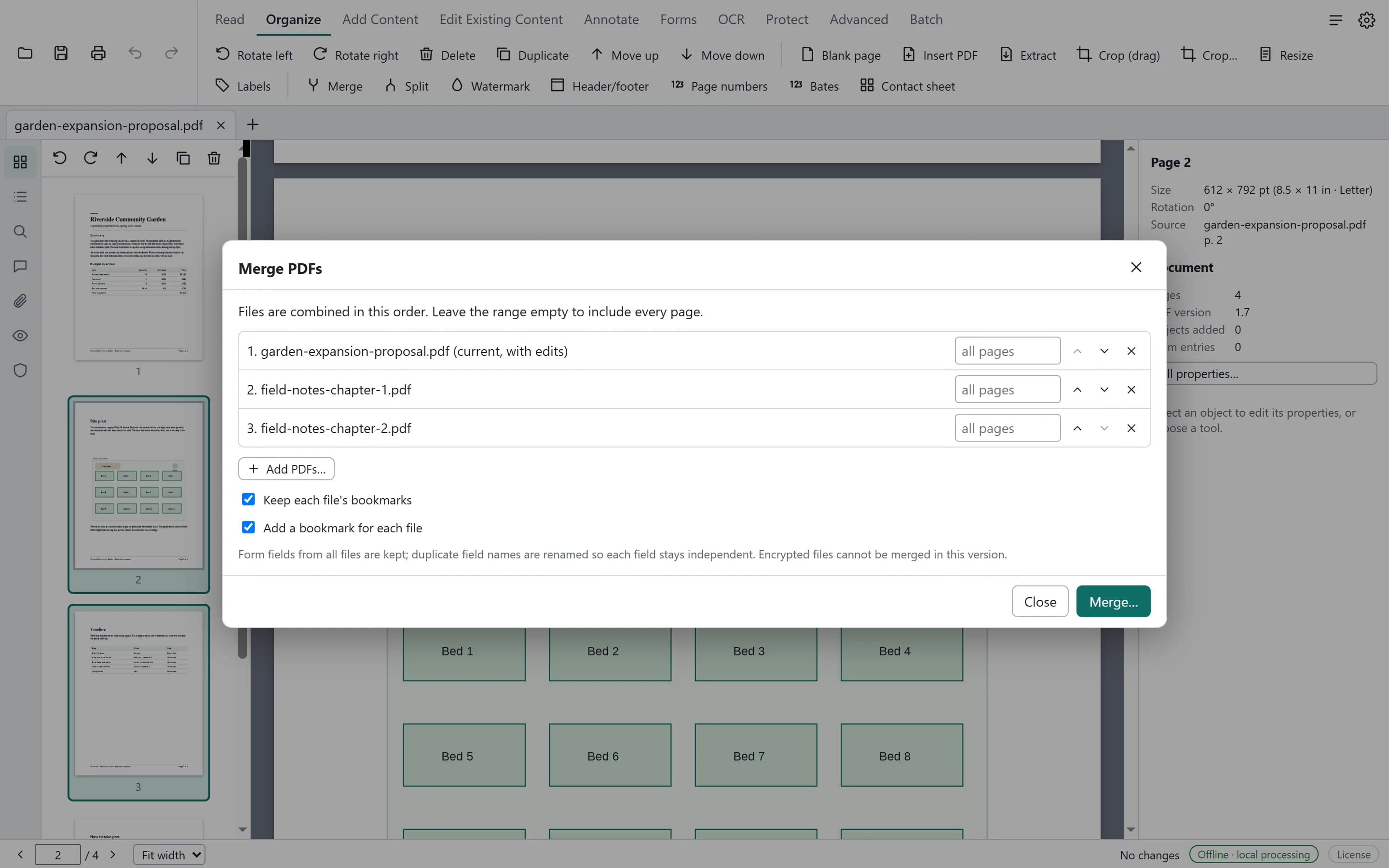
How to merge PDFs, reorder pages and add page numbers
Combine several PDFs into one, put the pages in order and number them with Pagewright on Windows — your original files stay unchanged.